

STEMxLearning • January 5, 2026
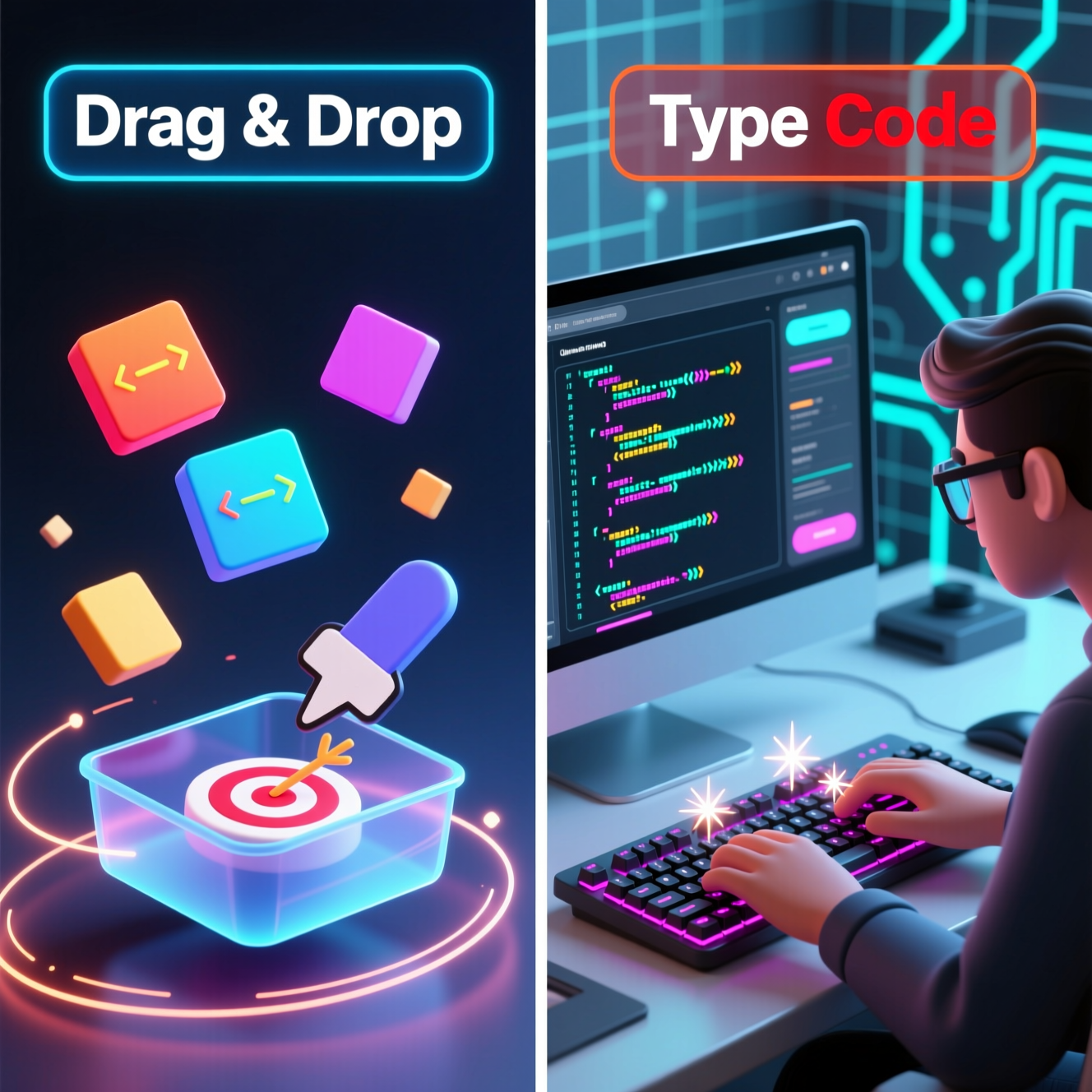
As coding becomes an essential skill for the future, many parents face an important early decision:
Should my child begin with drag-and-drop coding tools, or should they start typing real programming languages?
Both approaches teach valuable skills, but they serve very different purposes at different stages. Choosing the right starting point can determine whether a child feels excited about coding — or overwhelmed by it.
This article breaks down how each approach works, what children actually learn from them, and how parents can choose a path that builds confidence rather than frustration.
At a high level, beginner coding tools fall into two categories:
Both teach problem-solving and logical thinking — but they do so in very different ways.
Drag-and-drop coding platforms such as Scratch or Blockly are often the first exposure children have to programming. They are designed to remove early obstacles and make coding feel approachable.
Instead of worrying about spelling, punctuation, or formatting, children focus on how instructions connect and flow.
For younger students, this stage is critical. It helps them see coding as a creative tool rather than a technical challenge.
While visual coding is excellent for beginners, it has limits. As children grow, they may notice that:
Block-based coding is a foundation — not the destination.
Text-based coding introduces children to the actual languages used to build apps, websites, games, and AI systems. This is where coding shifts from exploration to application.
Languages like Python are often recommended for beginners because they are readable and close to everyday English.
Typing code also prepares students for school projects, competitions, and future academic pathways in STEM.
If introduced too soon, text-based coding can feel overwhelming. Syntax errors, confusing messages, and abstract concepts may discourage students who are not yet ready.
This is why timing matters as much as the tool itself.
| Aspect | Drag-and-Drop Coding | Typing Code |
|---|---|---|
| Primary Focus | Logic and structure | Syntax and real-world application |
| Ideal Age Range | 7–12 years | 12+ years (or after blocks) |
| Error Type | Logical mistakes | Syntax and logical errors |
| Learning Style | Visual and exploratory | Analytical and detail-oriented |
| Real-World Usage | Educational foundation | Professional development |
For most children, the best approach is not choosing one method over the other, but following a progressive learning path.
Drag-and-drop coding builds confidence, curiosity, and logical thinking — all without the pressure of syntax.
Once the logic is clear, transitioning to typed code becomes far smoother. Children already know what they want to do — they now learn how to express it in a real language.
The strongest coders are not the ones who start typing the earliest, but the ones who build solid thinking skills first.
There is no single “correct” way to start coding. What matters most is keeping children engaged, confident, and curious.
For younger learners, drag-and-drop tools open the door. For older or more ready students, typing code unlocks real-world possibilities.
When chosen thoughtfully, both approaches work together — not as competitors, but as stages of the same journey.